
The DudeSpin App Question, Answered for Canada
Short version: nothing to install, nothing to download, two taps to a launcher icon that behaves like an app anyway. Inside: the Android route, the Safari route, the tablet story, and what a home-screen icon genuinely cannot do.
An information page for players in Canada. 19+ · Play within your limits.
Same package on every screen
300% up to C$3,000
+ 150 free spins
No APK Home-screen icon
- 0native apps published
- 2taps to a launcher icon
- Safarirequired on iOS
- 19+play age
Does a DudeSpin App Exist for Android or iPhone?
No. There is no native DudeSpin app. No installer for Android, no listing in either mobile marketplace, no download page anywhere on the operator's own site. The Canadian footer offers a "Create Shortcut" link instead, at /ca/shortcut, which states the official route plainly: the site goes onto your home screen, and that is the product.
Three pages currently rank for this search and all three imply something gets installed. One even prints a file size — a 12MB package said to land in ninety seconds. That figure appears nowhere on the operator's site, no store carries the listing it implies, and the other two competitors contradict it. I would treat it as decoration.
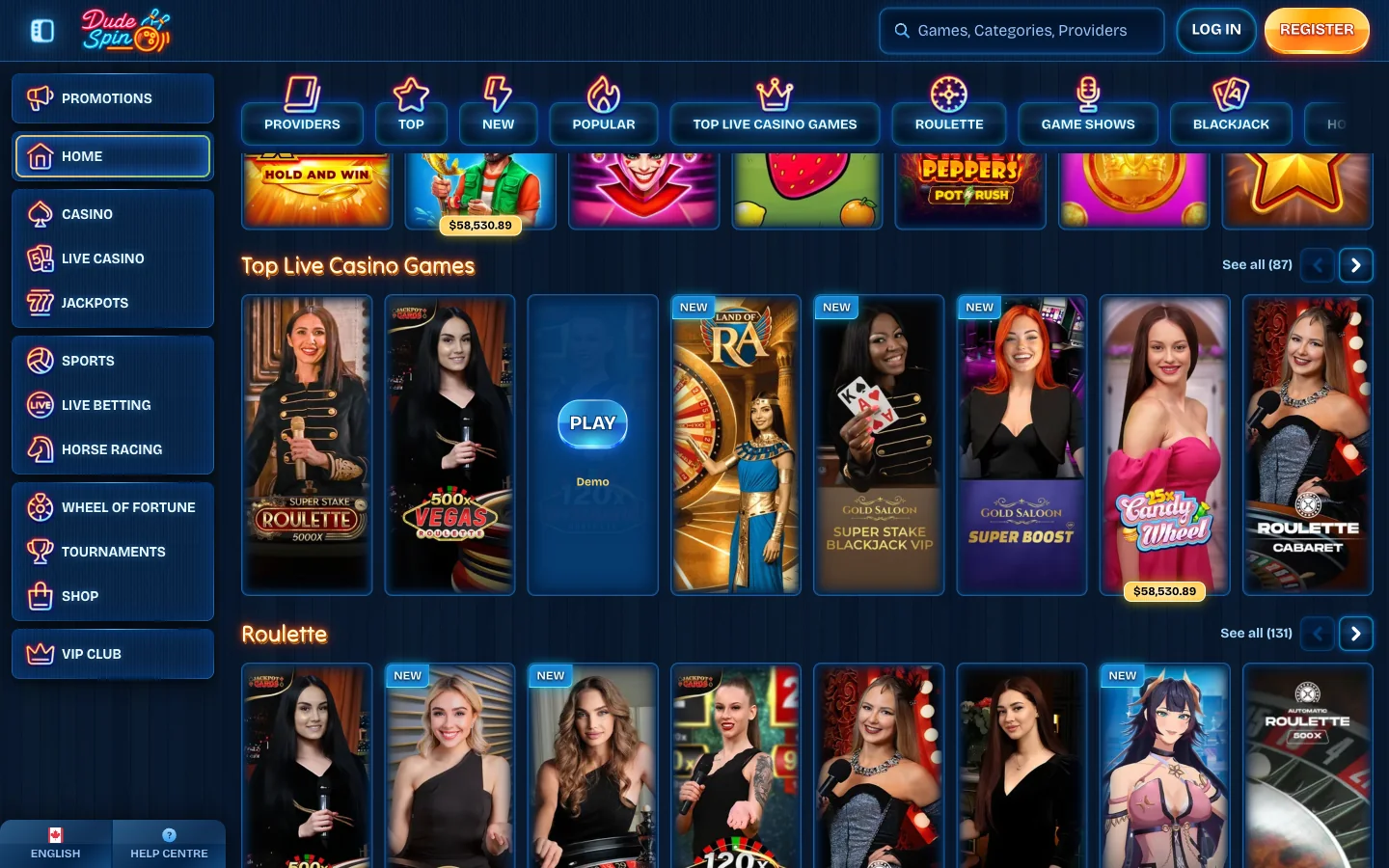
The evidence, laid out. The footer carries a shortcut link and no installer link. Either store, searched under the brand name, returns nothing. The Terms mention no mobile application. Four checks, one answer.
And now the part that takes the sting out of it: practically, this costs you almost nothing. The site is built as a web application, so the shortcut launches full-screen with the address bar hidden, your session carries over, games stream as they do in a tab, and the cashier is the same cashier. The gap shows up in a few narrow places, and the table further down names every one.
Why There Is No DudeSpin Casino App in the Play Store
Competitors skip this bit, and it is the most useful paragraph here. A real-money gambling title does not reach Google Play or the App Store on quality grounds. It gets in on paperwork. Google distributes gambling applications only in countries it has specifically opened, and only to developers who submit a valid licence for that country and pass an approval process. Apple's rule runs the same way: the developer account must belong to the licensed operator, and the licence must cover every territory it ships to.
Now hold that against what DudeSpin publishes. Search its Canadian pages for a regulator and you come back empty-handed, licence number and corporate name included. Third-party listings point at three different jurisdictions and not one of them shows a register lookup to back it. Our review page breaks the three jurisdictions down one at a time.
So the missing app is not an oversight or a roadmap item. An operator that cannot show a Canadian licence has no door into a Canadian store listing, which is exactly why the shortcut route exists.
Adding DudeSpin to an Android Home Screen
One check before you tap anything. If you are reading this in Ontario, stop here. The province runs a closed market through iGaming Ontario and the AGCO, DudeSpin holds no registration with either, and putting an icon on your home screen does not change that. The review page explains how the Ontario market is drawn and what sits outside it.
Everywhere else in Canada, Chrome on Android does this in under a minute. Labels shift between versions, so take the wording your menu shows rather than hunting an exact string.
- Load the Canadian site in Chrome. Wait until the lobby has drawn its shelves, because Chrome only offers the install prompt once it has read the site's manifest.
- Open the three-dot menu. Top right corner. Recent builds put an icon grid above the list, so scroll if nothing obvious appears.
- Pick "Add to Home screen" or "Install app". Chrome labels the same action two ways depending on version and on what the site declares. Either wording gives you the icon.
- Name it and confirm. Android proposes a name and lets you shorten it. Confirm with Add or Install and the launcher icon appears straight away.
- Open it from the launcher. It should start without the browser address bar, which is the whole reason the shortcut beats a plain bookmark.
Samsung Internet handles this through its own menu and the icon behaves much the same. Whatever browser you use, the icon is a pointer to a live site: nothing to patch, no stale build, no storage eaten.
Adding Dude Spin to an iPhone or iPad Home Screen
Apple's version is quicker, but it hides one trap that catches plenty of people.
- Open the site in Safari. Not Chrome, not Firefox, not the browser inside your messaging application.
- Tap the Share arrow. It sits in the bottom toolbar on an iPhone and the top bar on an iPad.
- Scroll to "Add to Home Screen". It sits in the share sheet's lower list, under the sharing targets.
- Trim the name, then tap Add. Something short reads better under an icon than the full site title does.
The trap: it has to be Safari. Chrome, Firefox and Edge on iOS all run on Apple's engine, yet none can write an icon to the Home Screen — the option is simply absent from their share sheets. Missing "Add to Home Screen"? Check which browser you are holding before blaming the site.
What you end up with is a web clip. Dude Spin opens full-screen and the icon sits beside your real applications, but it is not an App Store download however much it resembles one. That matters twice over: iOS treats a clip's stored data as browser data, and withholds the system hooks a downloaded application gets. The next section is where that bites.
What the DudeSpin Home-Screen App Cannot Do
Nobody writing about this brand covers the limitations, which is odd — they are the only reason the shortcut-versus-download distinction matters at all.
| Capability | On the home-screen shortcut | What that means for you |
|---|---|---|
| Push notifications | Workable on Android, unreliable on iOS web clips | Do not trust the icon to warn you about a tournament deadline or a reload window |
| Offline play | None at all | Every game streams, so a dead signal means a dead lobby — nothing is cached to spin |
| Stored session | Lives in the browser's data store | Clearing cookies and site data, or a privacy cleaner running, can sign you out unannounced |
| Biometric unlock | Not the native kind | No face or fingerprint gate on the icon; your phone's lock screen is the protection you have |
| Background audio | Suspends when you switch away | A spin or live round can pause or mute when a call arrives, so finish the hand first |
| Storage and updates | Nothing stored, nothing to patch | In your favour — no stale build, no update queue, no space eaten on a full phone |
Read it the right way round. Most of those rows are small annoyances, one is genuinely in your favour, and none touches whether a game pays or a withdrawal processes. What people assume breaks on a web application — deposits, verification uploads, live tables, bonus tracking — all works.
Phones and Tablets That Run DudeSpin Well
Competing pages invent minimum operating-system versions and memory floors no operator ever published. I am not going to do that. What can be said is which device classes load the lobby and what actually limits them.
| Device | Browser that works | What to expect |
|---|---|---|
| Android phone | Current Chrome or Samsung Internet | Full lobby; launcher icon through the browser menu |
| iPhone | Current Safari | Full lobby; Home Screen icon through the Share sheet, Safari only |
| iPad | Current Safari | Arguably the best screen for live tables; same Share-sheet route |
| Android tablet | Current Chrome | Game grid shows several rows at once, which makes browsing easier |
| Older or low-memory handset | Whatever ships with it | The lobby still opens; stacking game tabs is what makes it stumble |
Two things decide the experience, and neither is a spec-sheet number. Connection quality comes first — a live dealer feed is video, and video is unforgiving of a weak signal. Available memory comes second, and it runs out when you leave four games open behind a tab list and then wonder why the fifth stutters. Close what you are not playing.
Tablets deserve the mention nobody gives them. A ten-inch screen turns the live section from a cramped window into something closer to sitting at the table, and the slot grid stops being one scrolling column.
Signing In and Depositing on a DudeSpin Phone
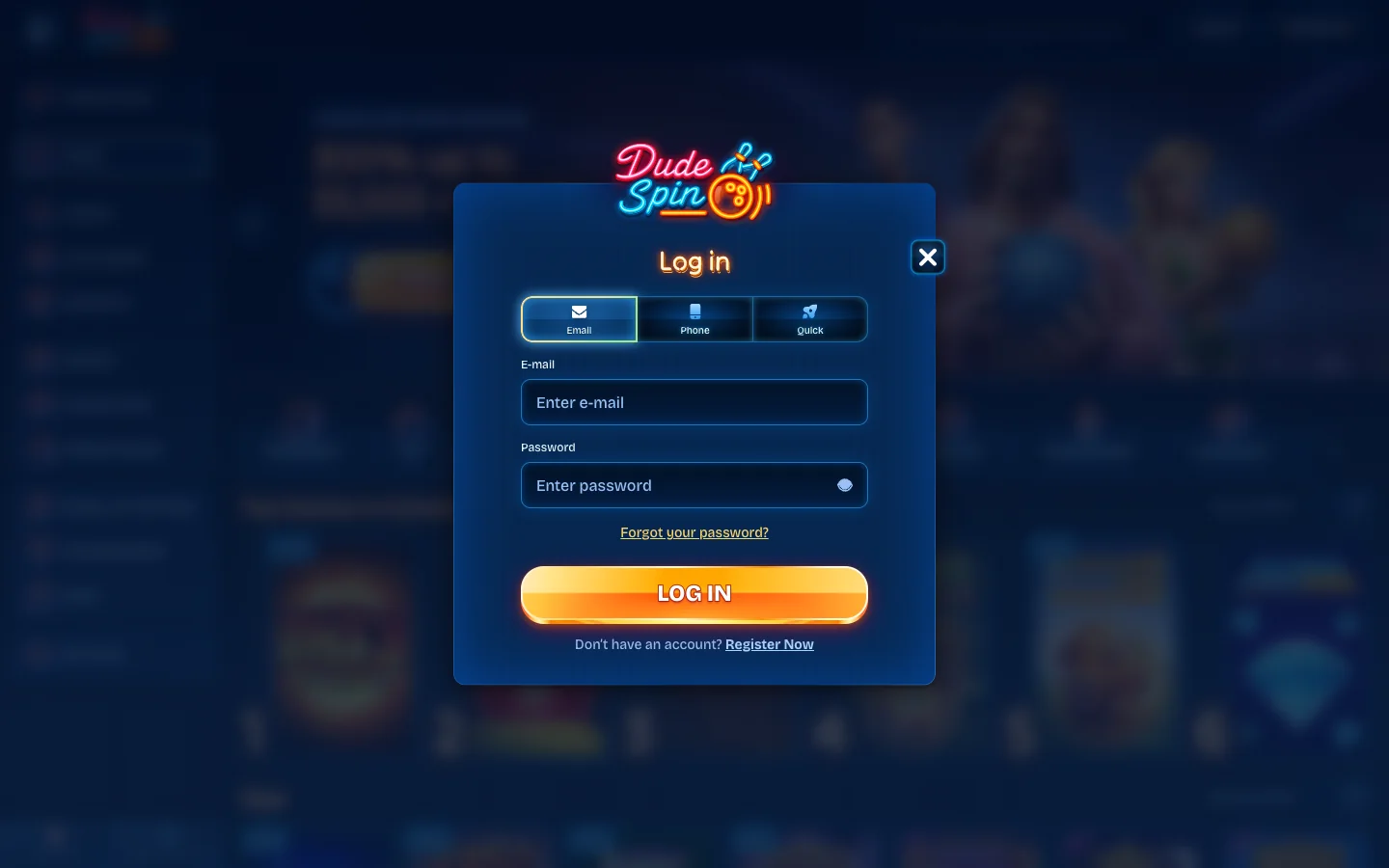
The sign-in panel on a phone is the desktop panel, scaled down. Three routes sit across the top — Email, Phone and Quick — with a password field carrying a show/hide eye and a Register Now link beneath. If one refuses to open, the login page owns the error decoder and the reset path.
The mobile cashier carries the same four rails: Visa, Mastercard, Interac e-Transfer and crypto. No padded wallet list, whatever other pages claim.
Then there is the one thing genuinely better on a phone. An Interac e-Transfer from your banking application on the same handset is the smoothest deposit route a Canadian has here. Pick e-Transfer in the cashier, copy the recipient details, swipe to your bank, send the amount, answer the security question as written, swipe back. Two applications, one thumb.
The offer is identical on mobile; the bonus page holds its terms.
Staying Away From Fake DudeSpin APK Downloads
Since the operator ships no installer, every file offered under this brand name was packaged by somebody else. That is the whole logic, and it needs no drama.
If a site hands you a DudeSpin installer, that site is not the operator. There is nothing official to download, so there is nothing legitimate for such a file to be.
The plain-terms risk: an installer arriving from outside a store was assembled by an unknown party, and a wrapper around a gambling login is a well-documented route to stolen credentials. Whoever harvests the email and password you type into a fake lobby holds the real account behind it — and the banking application two icons away, if you reuse passwords. These files circulate because people hunting an app will install anything carrying the right logo.
What to do instead is the boring answer and also the correct one. Reach the Canadian site directly, check the address before you sign in, and use the home-screen route above. Launcher icon, full-screen lobby, nothing sideloaded. This page carries no sideloading instructions, deliberately.
How the DudeSpin Mobile Lobby Differs
The layout rearranges rather than cuts, and four changes are worth knowing before you go hunting.
- Shelves stack vertically
- A wide horizontal row on a desktop becomes a short swipeable strip with the next category directly underneath, so you scroll far more than you click.
- The sidebar hides behind a menu
- Categories, sports, tournaments and the account area all fold into a single menu button. Nothing is removed; it is one tap further away than you expect.
- Search is the fast lane
- If you know the title you want, type it — scrolling a category on a phone to reach one specific game is the slowest route there is. Our main DudeSpin page lists the shelves and the studios behind them.
- Live tables want a stable connection
- Slots forgive a patchy signal; they load once and resolve a spin in a moment. A live table is a continuous feed with a countdown attached, so play those on a connection you trust.
Everything else survives the move intact — promotions, the cashier, verification uploads, bonus progress, the sportsbook. You lose layout comfort on a small screen, not features.
DudeSpin App Questions
No. The operator publishes no download page, no installer and no store listing in either mobile marketplace. What it does publish is a Create Shortcut link in the footer of its Canadian site, which walks you into adding the page to your home screen. That shortcut is the only thing anyone can honestly call a DudeSpin app.
Not one that comes from the operator. A competing page quotes a tidy twelve-megabyte package and a ninety-second install, and that figure matches nothing on the real site. Treat any file offered under this brand name as something a stranger built. Installing it would hand your sign-in details to whoever wrapped it.
There is no listing, and the reason is structural rather than accidental. Google only distributes real-money gambling titles in countries where the operator can show a licence for that country and has been approved for it. DudeSpin names no gaming authority anywhere on its Canadian site, so the application could not clear that gate.
Open the Canadian site in Safari, tap the Share arrow in the toolbar, scroll the sheet until Add to Home Screen appears, trim the name and confirm. The icon behaves like a small app window afterwards. Safari is mandatory for this: Chrome and Firefox on iOS cannot write an icon to the Home Screen.
Yes, and tablets are arguably the better experience. An iPad running current Safari takes the Home Screen icon by exactly the same Share-sheet route, and Android tablets install through the Chrome menu. The payoff is a bigger live-dealer picture and a game grid that shows several rows at once instead of one.
You can, and it is the smoothest route a Canadian has at this cashier. Interac e-Transfer sits in the mobile cashier beside Visa, Mastercard and crypto. Because your banking application is already on the same handset, you switch across, send the transfer, answer the security question and switch back without touching a desktop.
Clearing browsing data almost certainly did it. The icon runs on the browser engine underneath, so the session token lives in that store. Wipe cookies and site data, or let a privacy cleaner do it on a schedule, and your logged-in state goes with them. Signing back in is the only fix.
It is the same promotion either way. You get 300% up to C$3,000 + 150 free spins whether you register from a launcher icon or a laptop, with identical wagering attached. No operator on this brand runs a separate mobile-only sweetener. Our bonus page carries the terms and the arithmetic behind them.
Do not count on it. Web push on Android is reasonably dependable once you grant permission, but iOS web clips have historically been patchy, version-dependent and easy to lose during an update. If a tournament deadline or a reload window matters to you, set a reminder in your own calendar rather than trusting the icon.
They do, though a live table is a video feed and behaves like one. On solid LTE or 5G the stream holds. On a weak signal the picture drops its quality first and then stutters, which is unpleasant when a betting window is counting down. Slots tolerate a shaky connection far better.